
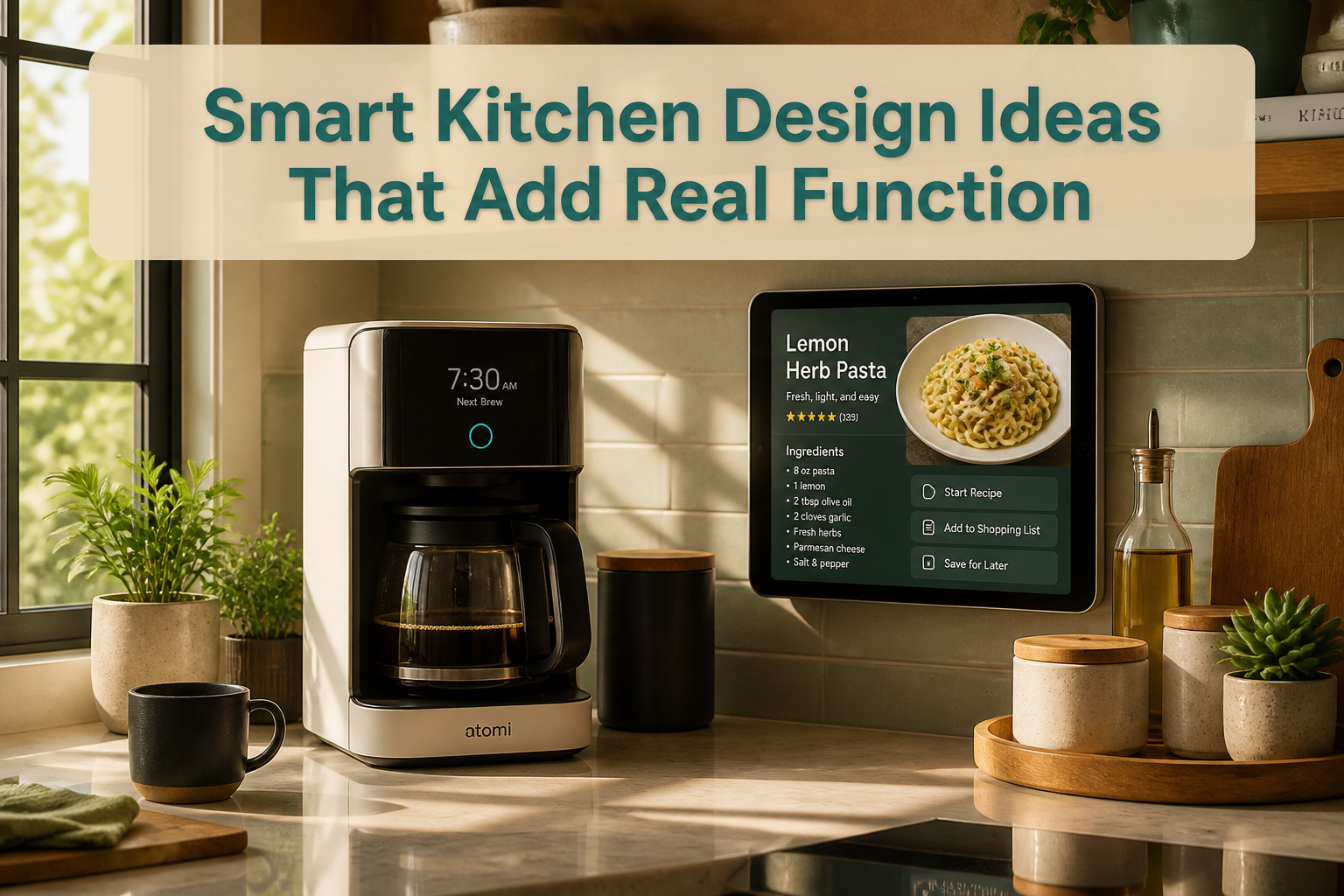
Smart kitchen design ideas run from a $100 wireless thermometer to a $1,200 range-mounted screen, and the dividing line is not price but how much setup you will actually maintain. Voice commands work for starting coffee; scanning every pantry item by hand breaks down by week three. The Atomi coffee maker’s scheduled brewing sounds ideal until your alarm drifts, which is why the voice-start option survives and the schedule gets turned off.
1. Voice-Controlled Appliances
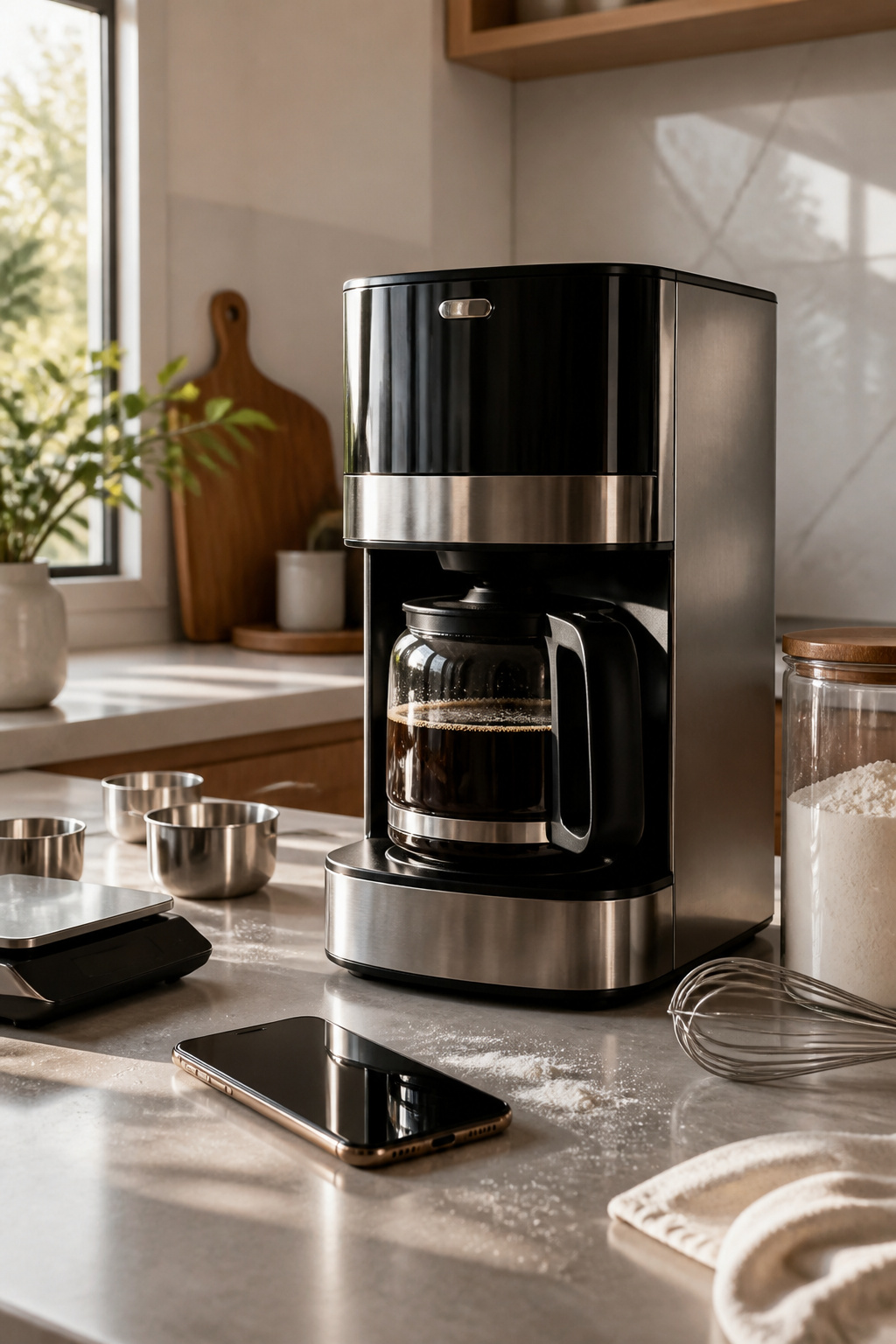
Voice commands through Alexa or Google Assistant turn a messy moment into a smooth one. Flour on your hands and the timer needs another five minutes? Say it instead of washing up. The $250 Atomi Smart Coffee Maker runs on this logic: a morning command starts the grind and brew while you’re still tying your shoes, and the app handles scheduling and strength when you want finer control. That split between what voice does well and where it frustrates matters. Simple on/off commands land every time. Digging into settings by voice, like adjusting a multi-step recipe in an Instant Pot, still sends most people back to the button panel. Hands-free works best for the single action you need right now, not the ten-step configuration you meant to set up yesterday. Compatibility is the real limit. One assistant talks to your coffee maker but not your multicooker, and suddenly you’re running two systems. For a kitchen that actually feels smart, pick appliances that share the same voice platform before you buy, not after you unwrap.

3-Min Rapid Ice Production: Ice production within 3 minutes after reaching a stable state, thanks to patented intelligent pre-cooling technology and a 170W highly efficient...
2. Smart Ovens
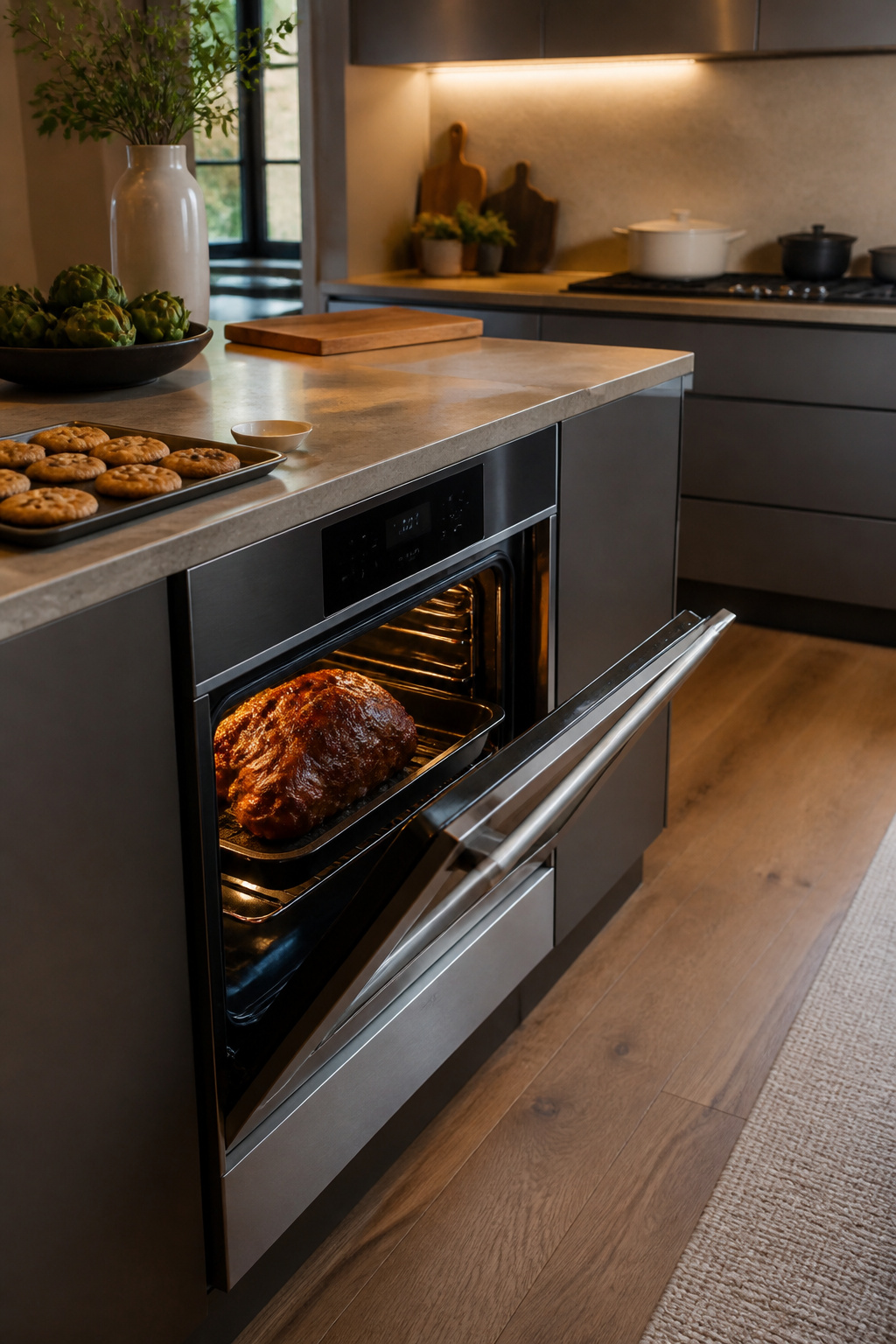
The sensors in a smart oven detect what you have put inside and how much of it there is, then adjust the heat and the timer without any dialing from you. The idea is that a pork shoulder and a tray of cookies get different treatment automatically, and the oven learns the difference between a single serving and a family-size portion.
From what I have read, this works best for the everyday rotation of meals you cook often. A Tuesday night chicken thigh or a frozen pizza becomes something you can start without thinking through times and temperatures. The oven remembers the pattern. For a holiday roast or a recipe you have never tried, the automatic settings can be a starting point, but most cooks still peek, probe, and adjust. The sensors handle volume well; they do not always account for a brine, a rub, or a covered dish.
The learning curve is front-loaded. The first few meals involve trusting the machine more than your own sense of smell or timing. Once you see a couple of proteins come out right, the habit sets in. The real payoff is not the special occasion dinner; it is dropping the mental load on the nights when you have none to spare.

𝗣𝗘𝗥𝗙𝗘𝗖𝗧 𝗙𝗜𝗧 - Our upgraded dg32-00002b sam.sung temperature sensor is exact compatible with Samsung and LG range. DG32-00002B Equal with range oven parts # EBG61305805, 6322B62214A, DG32-00002A, PS4240743, PS11732697, 2087461, AP4343210, PS2567734, EAP2567734. (Cable Length: 82mm, Probe Length: 100mm, Temperature Range: -50~+300C)

PERFECT OEM REPLACEMENT: Oven temperature sensor probe assembly replaces GE WB21X5301 and compatible part numbers, restoring accurate oven temperature control and consistent heating performance. Engineered to meet or exceed OEM specifications for fit, function, and durability. Ideal solution for correcting inaccurate temperature readings in electric ovens and ranges.

IMPORTANT: Please check the model number carefully before ordering. If you're unsure about the compatibility, send us your Oven model number and we can help you confirm if it fits or not.
3. Smart Refrigerators
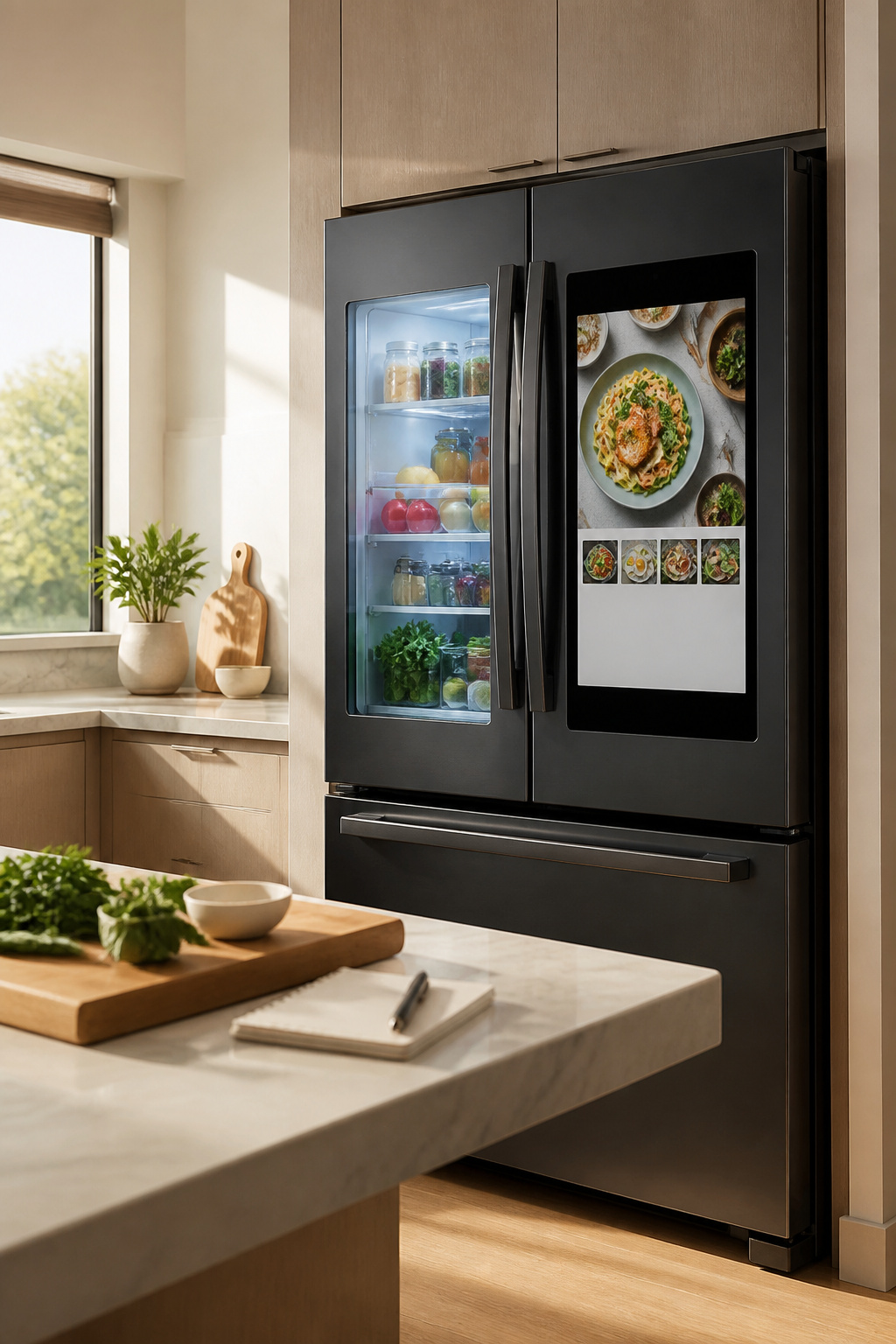
A smart refrigerator can track what you actually have on hand, suggest recipes based on those ingredients, and flag expiration dates before yogurt becomes a science experiment. The Samsung Family Hub carries a 21.5-inch touchscreen for managing all of this, plus an interior camera that lets you peek inside while you’re still at the store. LG offers similar inventory tracking and meal suggestions on its AI-enabled models.
The question is whether these features earn back their price on a real household budget. Meal planning apps already do recipe suggestions for free, and a handwritten list covers expiration dates if you are diligent. The camera saves one trip back to the store for forgotten milk, maybe two a month. For a few hundred to a thousand dollars in annual project money, the premium over a standard fridge buys a lot of manual organization first. The tech is genuinely useful for busy households where automation actually changes the daily rhythm, but the payoff depends on whether you would use the screen daily or watch it go dark like the last tablet you bought.

Connect & control your smart home — Easily link thousands of compatible devices from leading brands to create a connected home environment for lighting, comfort, voice assistants, energy use, and more.

SMART OUTLET PLUG: Fit 2 plugs in 1 outlet with the Geeni Switch Duo Smart Wi-Fi Outlet Plug and control 2 devices from anywhere at any time. Take up less space with this 2-in-1 outlet option that’s ideal for your living room kitchen even your bedroom.

Smart in wall outlets: Kasa smart’s in wall outlet lets you control 2 plugged in devices from anywhere at the same time or individually; All the features and benefits of a Kasa smart plug multiplied; Take up less space with this in wall option that’s ideal for Your living room, kitchen, even your bedroom
4. Smart Cooktops
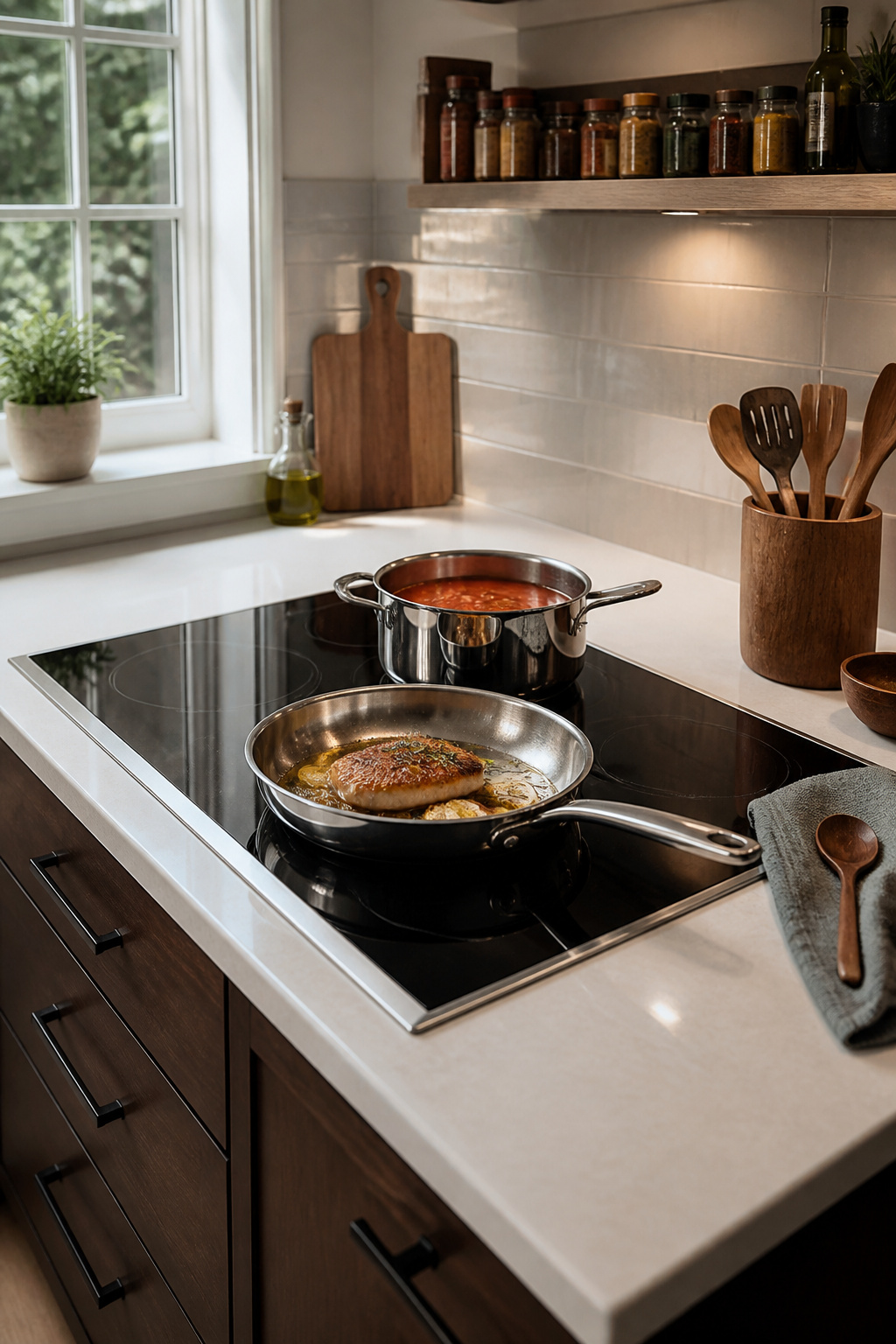
App-controlled cooktops landed in my search for smart kitchen design ideas with a promise I wanted to believe: your phone becomes a sous chef that watches the pan. Some models now feed back on cooking technique, nudging the temperature down when a sauce tightens too fast or holding a steady simmer that used to need babysitting. A GE Profile electric range at around $1,250 offers remote preheat, which means walking in to a pan already hot enough for searing, not just theories about it.
What actually changes in daily cooking is narrower than the brochures suggest. The feedback helps most when technique is already close and needs fine-tuning; it will not rescue a cook who does not know what a rolling boil looks like. The real limit is the app stack: range, hood, thermometer, vent each with their own login, and suddenly adjusting flame from your phone feels like managing a small bureaucracy instead of making dinner. I look for cooktops that fold into a single platform or a unified app, because the alternative is checking three screens while the garlic burns.
Installation demands attention before the purchase ships. Induction cooktops need dedicated 240-volt circuits, and older rental panels often top out at 30 amps where 40 or 50 now want room. Verify the breaker, the wire gauge, and whether your lease even permits electrical work; some landlords count swapping a cooktop as a fixture upgrade they never approved. Where wiring is locked in place, the smarter move is a plug-in induction burner for countertop use, not a built-in that sits half-installed for six months.

5-Day Weather Forecast & WiFi Smart Updates: Get today’s weather plus 4 more days of forecasts right on the vibrant display—powered by WiFi for accurate, up-to-date conditions. Plan your trips, outfits, and outdoor activities with confidence, knowing you’re always prepared for rain, sun, or storms.

Powerful 1400W Heating: This electric fireplace from Silonn delivers an impressive 1400W of heat to efficiently warm up an entire room. With an adjustable temperature range from 62°F to 86°F, you can easily customize warmth for ideal comfort. Enjoy energy-efficient, consistent heating, with user-friendly controls for hassle-free operation.
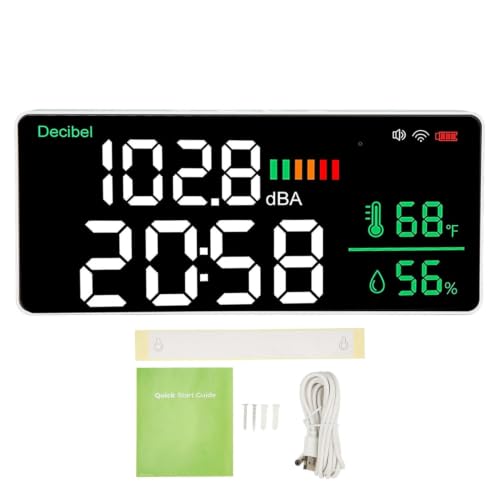
[TUYA APP CONTROL] Supports 24G WiFi connection and works with Tuya app so you can view current noise readings and historical data on your phone without entering the room.
5. Smart Dishwashers
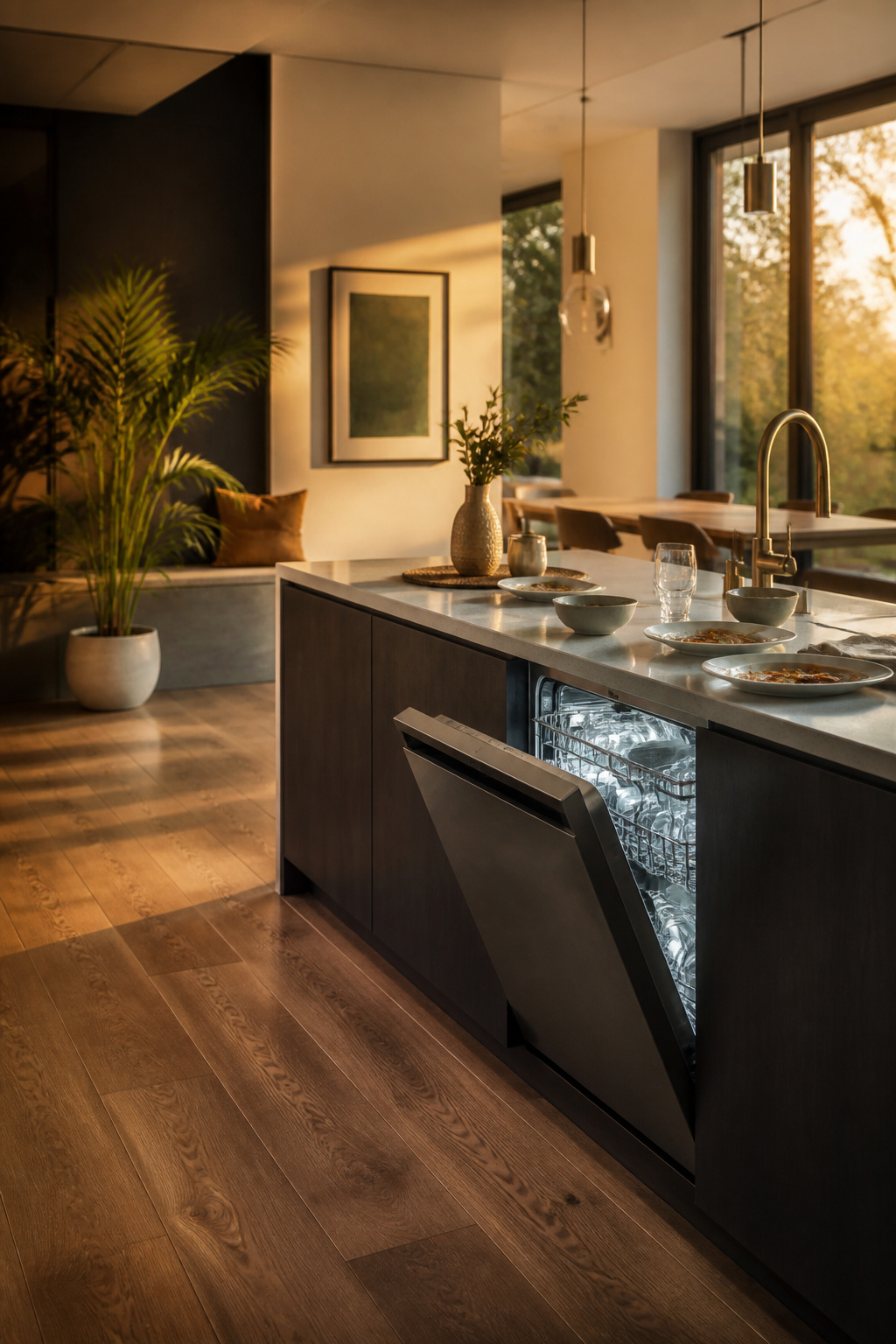
Water optimization in a dishwasher only matters if the machine knows what it is washing. The Miele G7000 reads load size and soil level, then calibrates both cycle time and detergent dose to match. A half-load of lightly used glasses gets less water and a shorter run than a post-dinner load of crusted plates; the claim is that this cuts waste without you deciding which setting to dial in.
Whether that efficiency shows up on a utility bill depends on what you are paying now. For a typical household running a load every day or two, the savings from optimized water use and shortened cycles are real but modest; the bigger gain comes from running during off-peak hours if your utility offers time-of-use rates, which many smart dishwashers can schedule automatically. The Miele’s app handles remote starts and detergent ordering too, though the practical value there is starting a delayed cycle after you have already left for work, not checking on a wash that finishes whether you watch it or not.
Flexible racks and quiet operation matter more for daily use than any sensor headline. If the machine runs near your living space, a low decibel rating keeps it from becoming the thing you schedule your evening around.
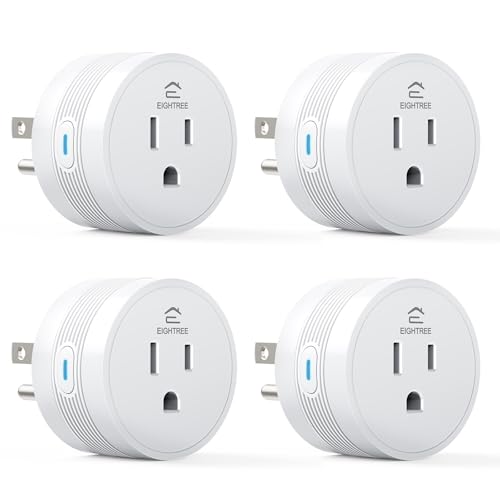
【15A High Power Smart Plug】Upgrade your smart home with a 15A/1800W smart plug designed for coffee makers, air fryers, heaters, and other high-power appliances. Provides safer control for devices that require more power than standard smart outlets.


Warm Tips: To use Alexa and Google Home for voice control, please connect the plug with the “Smart Life” app first. Then go to Me > Third-Party Services to link with Alexa/Google. Note: Direct connection to Alexa is not supported.
6. Smart Faucets
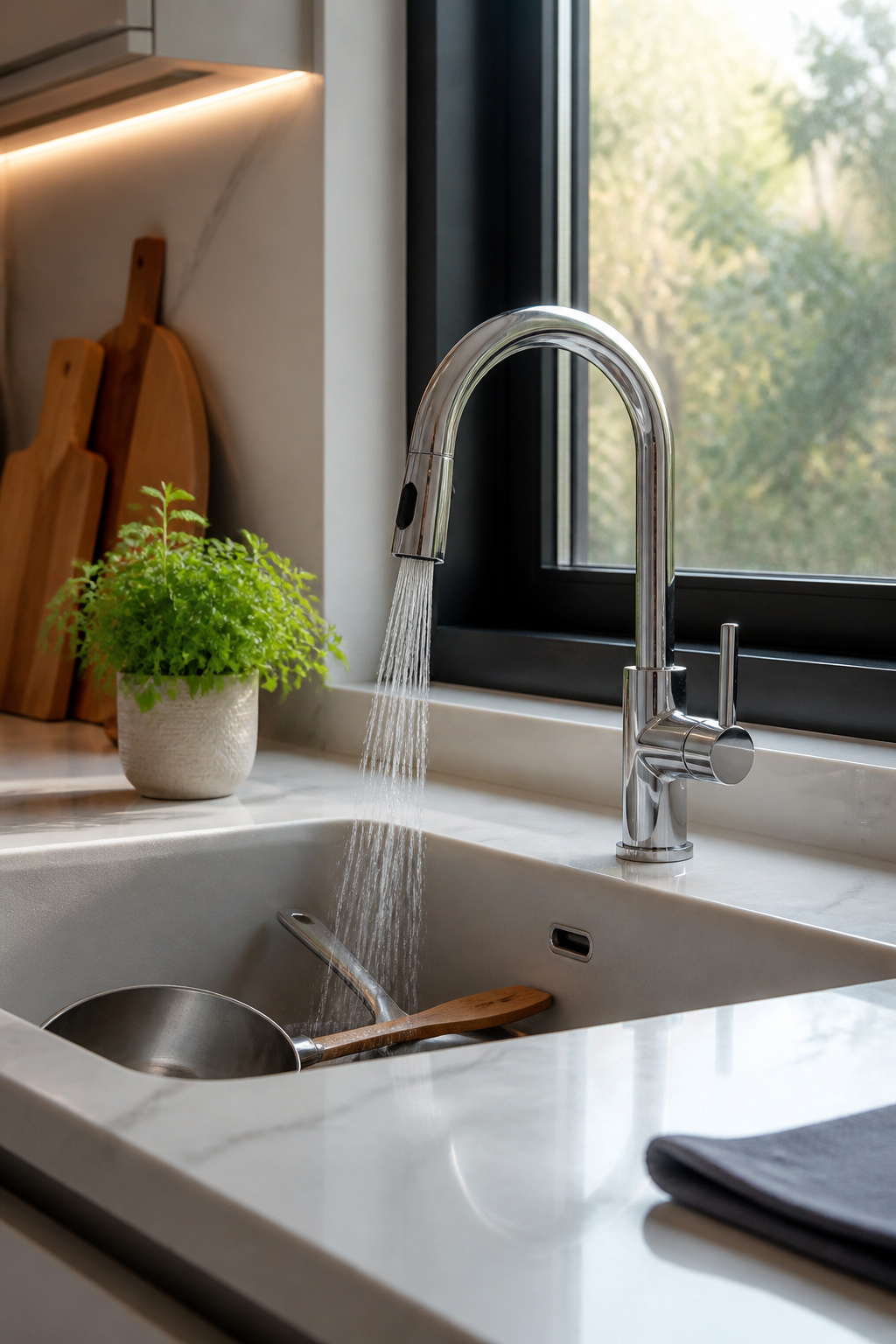
Motion-sensor faucets have reached the point where they make sense in an actual home kitchen, not just a commercial one. A hand wave or a voice command through Alexa, Google Assistant, or Apple HomeKit keeps the handle clean when your hands are covered in raw chicken or bread dough. The sensor reads a wave reliably enough for most cooking tasks, though a manual override feature is worth insisting on for the inevitable power outage or dead battery moment.
For renters, the install is the sticking point. These faucets need a power source, usually a battery pack or an outlet under the sink, and swapping a faucet in a rental often violates the lease or requires a plumber the landlord chooses. Owners have more flexibility, but either way the water conservation case is concrete: sensor-activated models run only when hands are present, which can cut household water waste at the sink by up to 50%. Higher-end versions add temperature memory and app-connected usage tracking, though I would weigh whether those conveniences justify the price jump against the basic sensor model doing the same hygienic job.

PERFECT FIT: 2026 Upgraded DG32-00002B temperature sensor can exact for Sam.sung and L.G oven .Equal with oven parts: DG32-00002B 6322B62214A DG32-00002A EBG61305805 PS4240743 PS11732697 2087461 AP4343210 PS2567734 EAP2567734.Cable Length: 82mm Probe Length: 100mm Temperature Range:-50~+300C

High-Quality Material: The W10181986 Range Oven Sensor Probe is crafted from premium materials, ensuring durability and reliability in your kitchen.

Fix Common Oven Issues Immediately --- If your oven is not heating evenly, runs too hot or too cold, or shows an error code such as F2 or E2F3, this temperature sensor helps restore accurate temperature readings for more consistent cooking results.
7. Smart Lighting
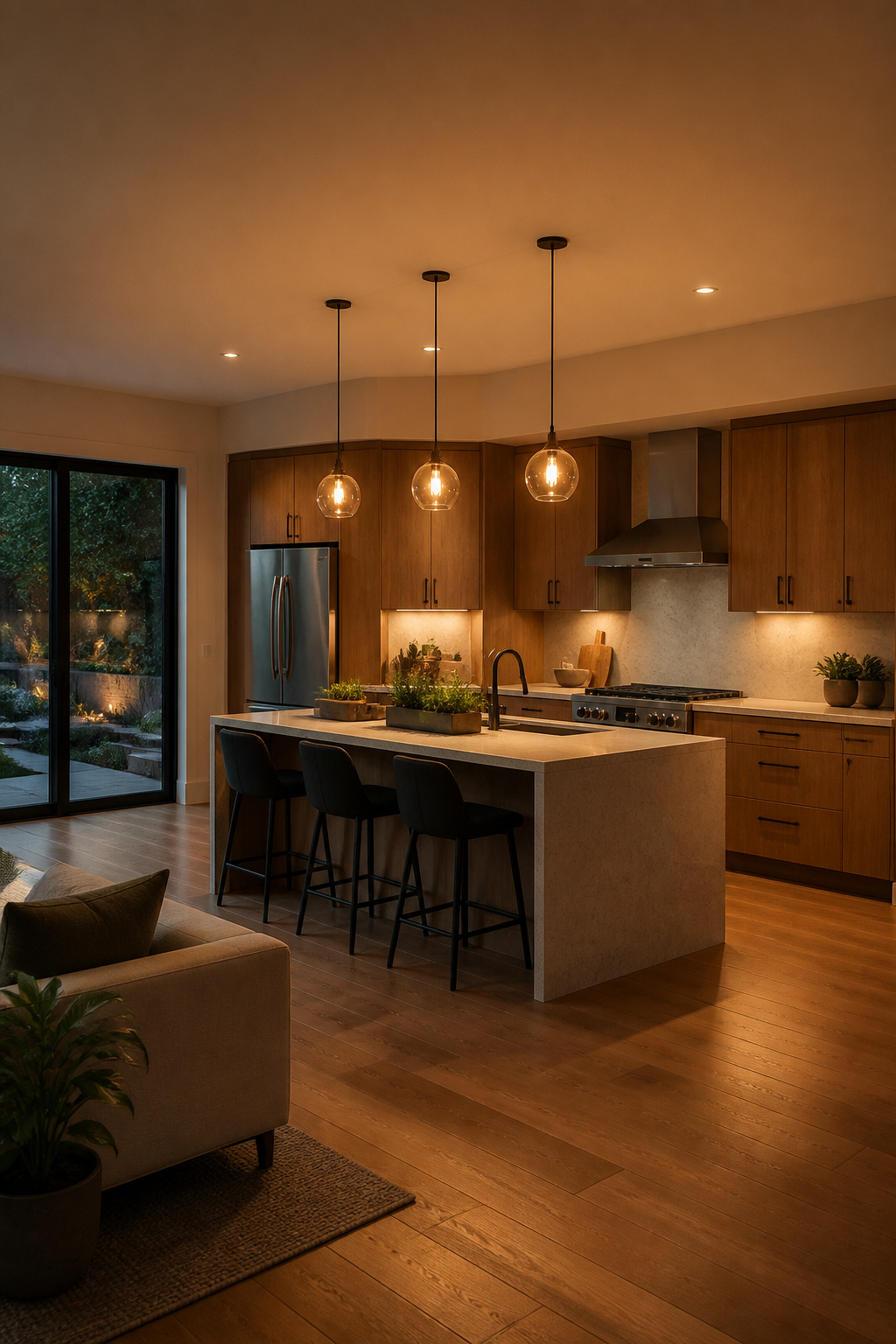
Adjustable smart lighting in a kitchen is less about the color-changing party trick and more about the shift from 6500K daylight tones that keep you alert during prep to 2700K warm light that does not fight a dinner mood. The systems that handle this automatically, keyed to time of day or motion, are the ones that actually stay in use.
Bulbs are the place to start if you rent. A smart bulb in an existing fixture, paired with a plug-in motion sensor or a simple schedule in the app, gives you morning-to-evening shifts without touching the wall switch or the wiring. Most of the color-tunable A19 or BR30 bulbs fit standard sockets, so the fixture itself does not matter. The limitation is physical: if your kitchen has a basic toggle switch that someone flips off, the bulb drops offline and the schedule dies with it.
Switches that replace the wall plate solve that, but they need a neutral wire in the box, and many older kitchens, especially in pre-1980s rentals, do not have one. The newer no-neutral smart switches work around this, though they often require a minimum wattage load to stay powered, which means a single LED pendant may flicker or fail to respond. Test the circuit or check the switch specs before you commit to that route.
Automation that tracks actual activity rather than a rigid clock holds up better to real life. A sensor that raises task lighting when you walk in at 6 a.m. works whether your Tuesday starts at six or your Saturday starts at eight. The time-based schedules, by contrast, need manual overrides for holidays, sick days, and the nights you are still chopping garlic at nine. Build in both if the system allows it: motion for the unpredictable moments, time for the predictable ones.

Dual Plug and USB Outlet: With our Wi-Fi Smart Wall Outlet featuring dual plugs and 2 USB ports, you can control two devices independently, providing seamless management of various electronics in your home. The 2 USB ports (5V DC 2.1A) offer extra charging options for your devices. Each USB port can deliver up to 15 Amps when used individually, ensuring ample power for your gadgets. The total capacity of this versatile outlet is 15 Amps

Easy Setup: Power on Smart Hub Gen2 and just need few minutes to setup it with Third Reality App. No professional technical skills needed, if you have any issues, please feel free to contact us. Note: Only Support 2.4GHz WiFi.

Connect your Home: The brains of the Sengled system, the hub enables you to control up to 64 Sengled Smart lights and accessories with the hub. A hub is necessary to use a voice assistant, like Google Assistant
8. Smart Pantry Systems
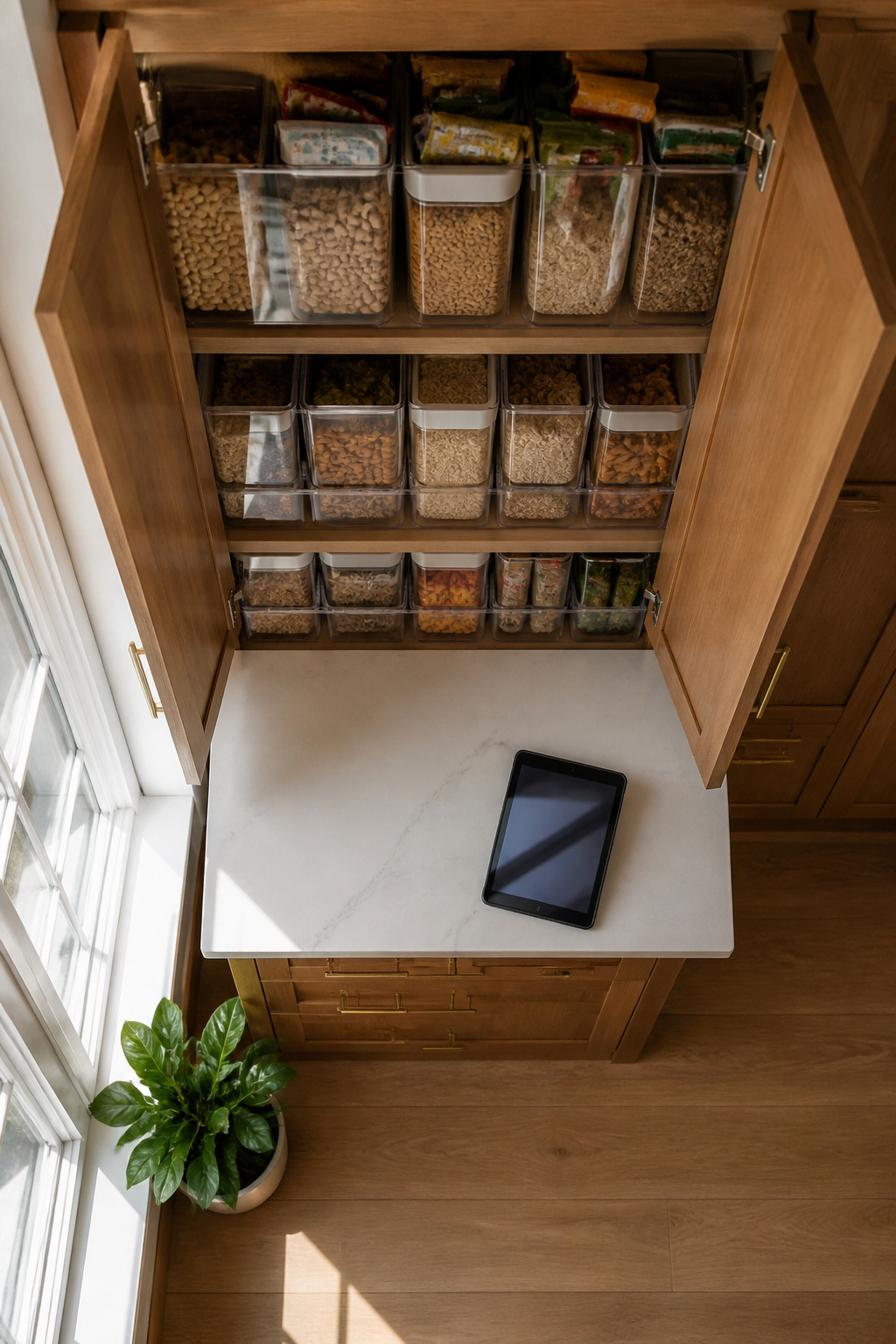
A smart pantry system with inventory tracking and automatic reordering sounds like the end of forgotten pasta boxes and last-minute grocery runs. The reality involves more setup than the marketing suggests. Most systems rely on RFID sensors or camera-based AI to monitor what comes in and out, then push notifications to your phone when staples drop below a threshold you’ve set. The advanced ones can trigger reorders through online grocery platforms, which is where the convenience actually pays off.
The catch is the habit formation. Every item that enters your pantry needs scanning or proper placement so the camera registers it. Skip a few bags of rice or a bulk bin refill and the inventory drifts, making the low-stock alerts unreliable. From what I’ve read comparing these setups, the maintenance load breaks into two camps: people who treat scanning like unloading the dishwasher and people who abandon it within a month. The sensors handle expiry tracking well enough, which does cut waste, but only for the items they actually see. For a weekend-project budget, the hardware cost sits where you’d expect for connected home gear, and the real question is whether your household will keep up the data entry.

【Touchscreen Control】Smart thermostat with touchscreen operation and LED display for clear viewing. APP control adds convenient adjustment for home thermostat use in daily room heating management.

[ALL IN ONE SMART MONITOR] This digital noise decibel meter seamlessly integrates noise level, temperature, humidity, and time into a single adjustable brightness LED screen. It provides a complete environmental snapshot at a glance, eliminating the need for multiple separate devices, making it perfect for busy classrooms or focused recording studios.

[Custom Heating Schedules] Effortlessly set personalized heating schedules that align with your daily routine. program different temperatures for weekdays and weekends to maximize comfort while minimizing energy waste. this smart feature not only enhances your living environment but also significantly reduces utility bills making it a cost effective solution for modern homes.
9. Integrated Smart Hubs
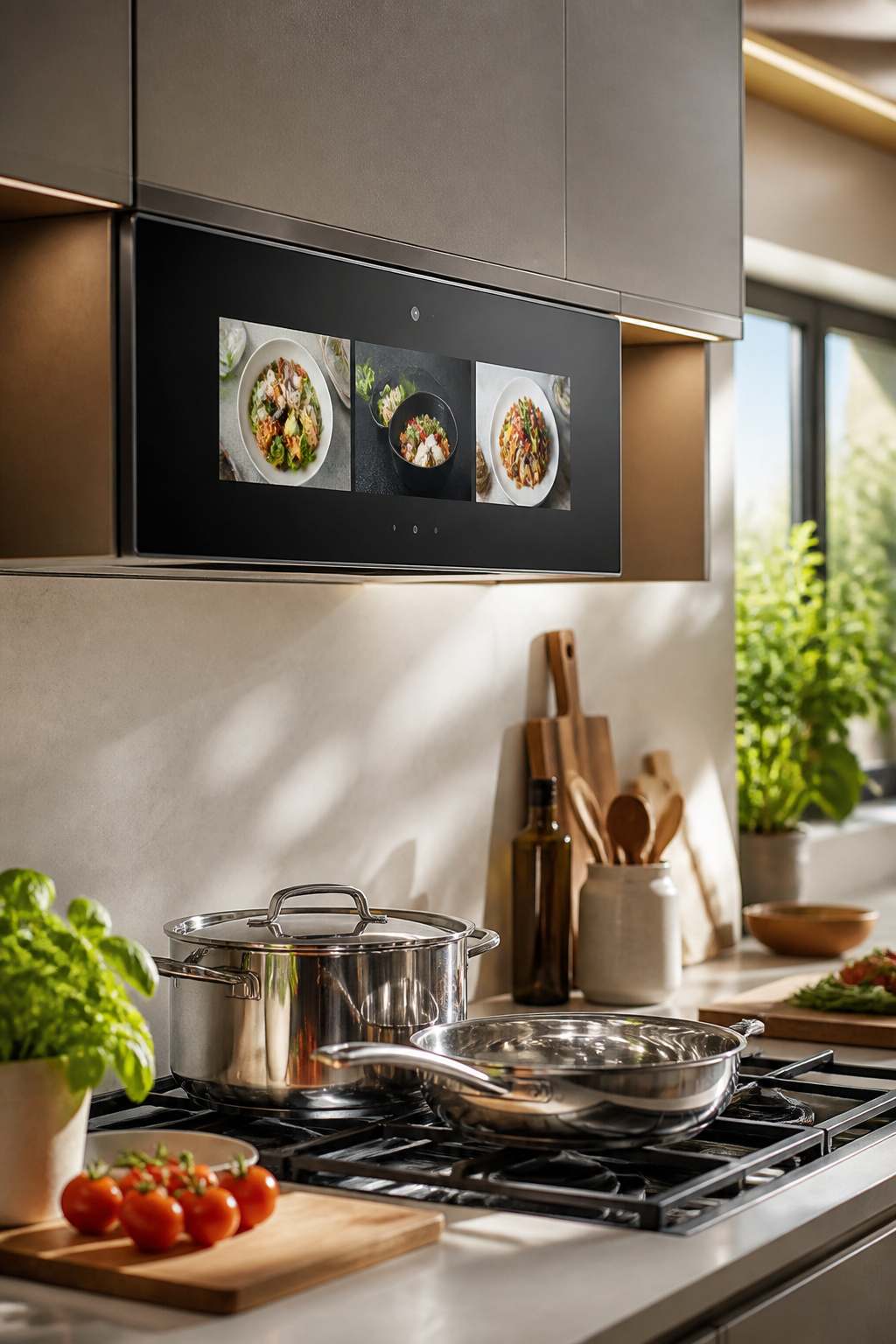
A 27-inch screen mounted over the range sounds like the command center every smart kitchen promises, and the $1,200 GE Kitchen Hub leans hard into that vision. Google Assistant handles the voice side, Flavourly app packs in over 5,000 recipes, and the camera even lets you video call while your hands stay on the cutting board. Netflix and Hulu are in there too, which tells you exactly what manufacturers think happens at 6 p.m. in American kitchens.
The ventilation combo is the practical hook, since that space above the range already needs filling. But a screen that size collects grease splatter the same way a backsplash does, except now you are wiping fingerprints off a touchscreen instead of tile. The real question is whether one consolidated hub beats five separate apps on your phone. Most smart kitchens accumulate the latter, and the burden of logins and interfaces turns the promise of simplification into its opposite. The Kitchen Hub avoids that fragmentation, yet it still adds another screen to clean, another OS to update, another reason to pause mid-recipe because the vent fan and the video call are fighting for processor attention.
For renters, this is a permanent fixture you will not take with you. For owners, it is a bet that this particular platform outlives the next three appliance cycles. The screen will feel dated before the range below it does.

BrewID: WiFi enabled BrewID technology, recognizes your specific K-Cup pod and customizes brew settings. BrewID technology will recommend SIGNATURE BREW settings created by the coffee experts for the most flavorful brew.

BrewID: WiFi enabled BrewID technology, recognizes your specific K-Cup pod and customizes brew settings. BrewID technology will recommend SIGNATURE BREW settings created by the coffee experts for the most flavorful brew.

4 BREW STYLES: Select from Classic, Rich, Over Ice, and Cold Brew for coffee any way you like it.
10. Smart Thermometers
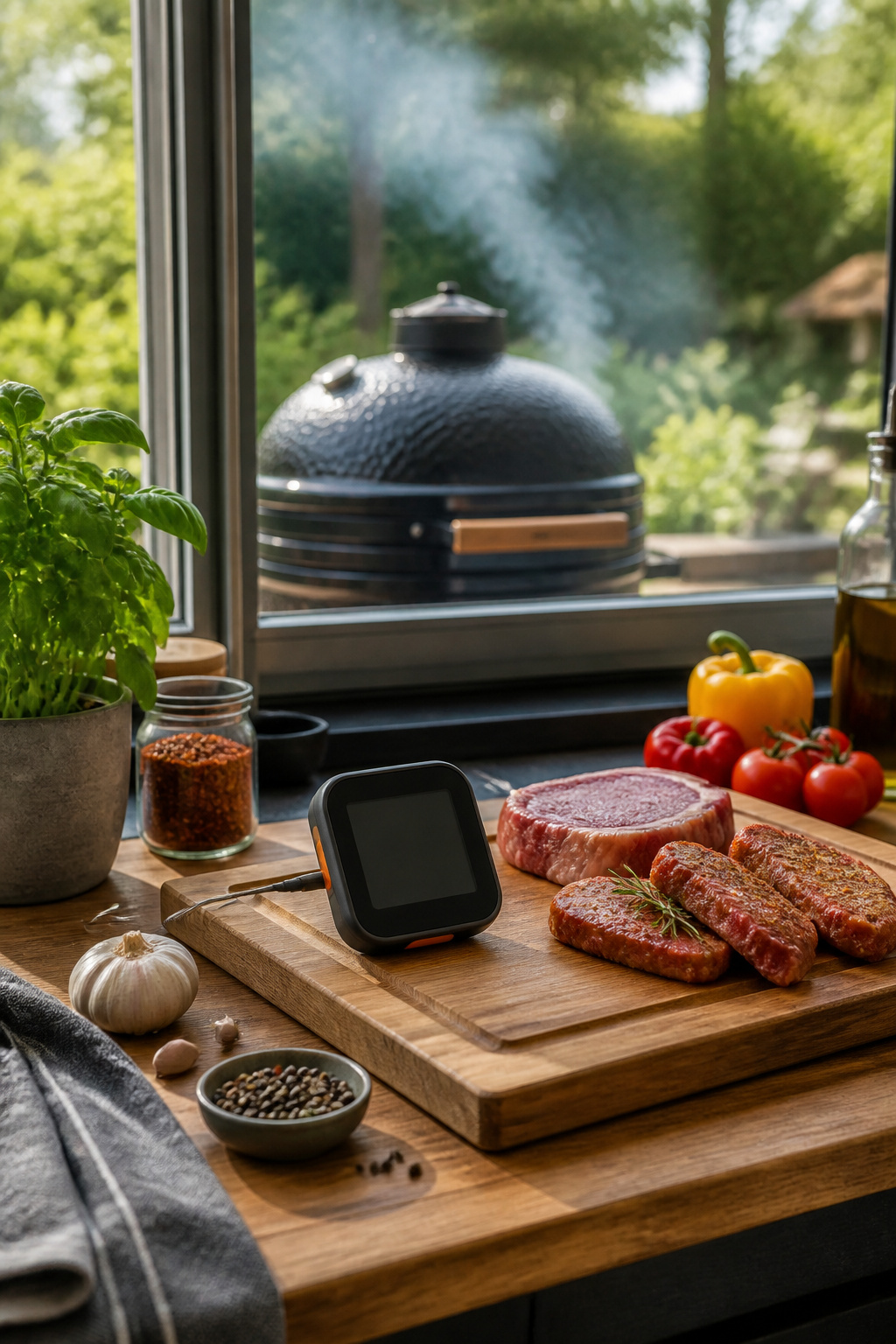
A wireless thermometer like the Meater Plus sits in the meat and talks to your phone, which matters most when the grill is outside and the kitchen is not. The $100 probe carries two sensors, one for the meat up to 212°F and one for the ambient air up to 527°F, and the app turns those readings into a cooking-time estimate rather than leaving you to guess when the stall hits.
The 165-foot range sounds generous until you remember walls, and the AAA battery in the bamboo dock is rated for about a hundred charges, which translates to a couple of years for most home cooks if you are not smoking briskets monthly. Accuracy is where the judgment call comes in. For a quick chicken breast, an instant-read thermometer still wins on speed and costs a fraction; the wireless setup earns its place on long cooks where opening the lid costs you heat and time, or when you are juggling sides and would rather get a ping than hover. The connected app tracking both meat and ambient temperature is the feature that separates it from a basic probe, not the wireless itself.

【IS YOUR OVEN MALFUNCTIONING】 – Is your oven’s temperature inaccurate, leaving food undercooked or burnt? Or is it displaying F3/F4 error codes? These are usually signs of a faulty oven temperature sensor. This 316490000 sensor is your direct solution. Replace it yourself and easily save over $200 in repair costs.
![BlueStars DG32-00002B Range Oven Temperature Sensor Probe for Samsung, LG | [Upgraded] Ultra Durable Sensor - Replaces EBG61305805 PS4240743 DG32-00002A 6322B62214A PS11732697](https://m.media-amazon.com/images/I/41j+ccjpW4L._SL500_.jpg)
IMPORTANT NOTE: 2026 Upgrade version - Ultra Durable DG32-00002B EBG61305805 Temperature Sensor Probe works with Samsung and LG ranges. It is not universal. If you're not sure whether or not a parts you're ordering fits your model, please feel free to contact with us before ordering. Include your Model number. We can verify the part will fit your model

The DG32-00002B oven temperature detector features a 304 stainless steel housing paired with a high-precision Class B platinum resistance sensor, which ensures accurate temperature control for your stove.
11. Smart Scales
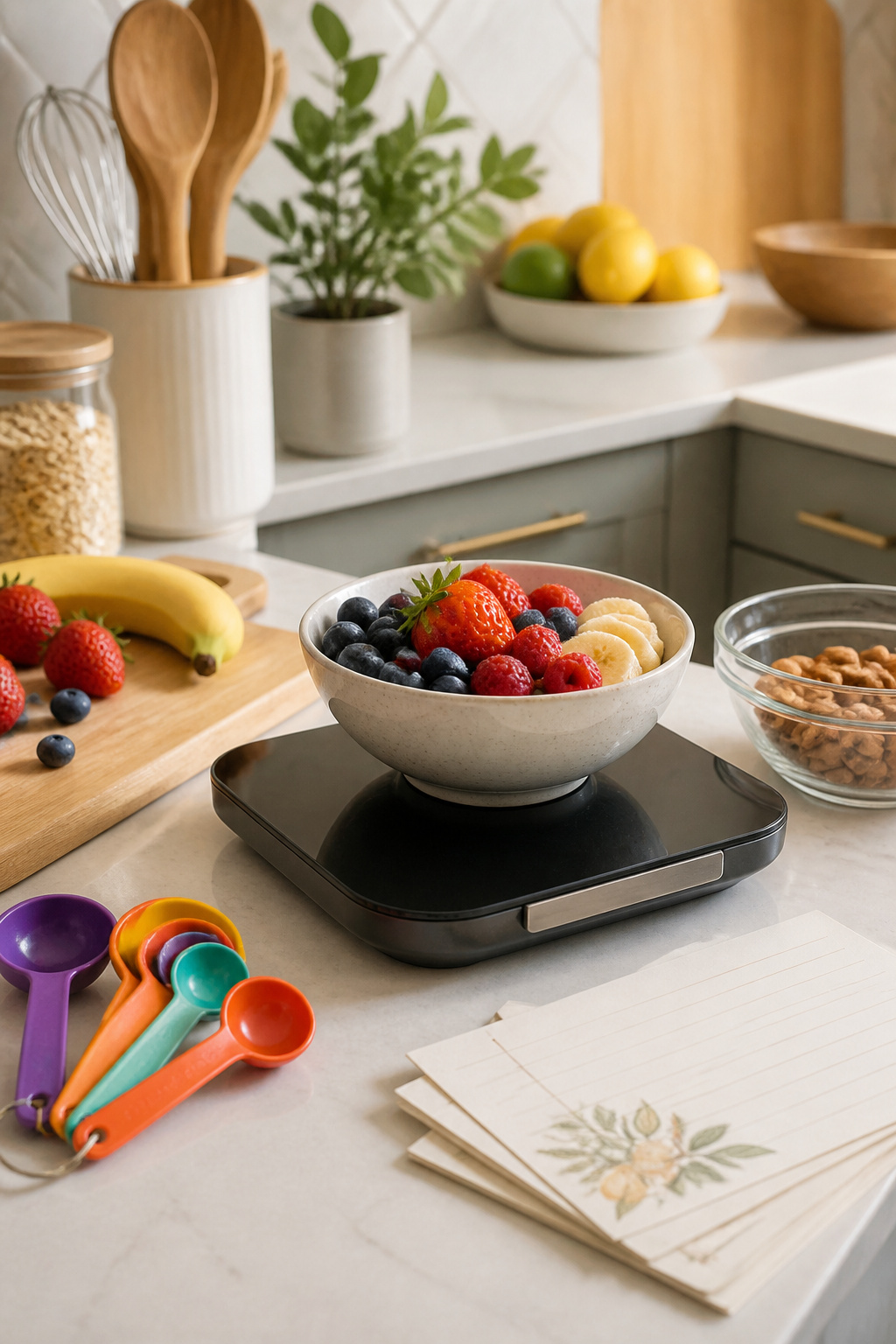
Bluetooth scales that log nutrition data to an app sound like the perfect bridge between home cooking and actually knowing what you are eating. The Etekcity Smart Food Nutrition Scale pulls USDA data for nearly 8,000 items and syncs with Apple Health and Fitbit, which removes some of the manual typing that kills these habits early.
The logging habit breaks somewhere between week two and week three for most people. The ones who stick with it tend to already track meals on their phone; adding a scale to the routine is a small step, not a new system. For everyone else, the extra seconds of weighing before each ingredient become the reason the scale ends up back in its box.
Accuracy is genuine here, down to 0.1g in some models, and that matters for baking or strict macro counting. But the real design question is whether your kitchen workflow has a natural pause for measurement, or whether you cook by instinct and cleanup later. The scale rewards the planner, not the improviser.
12. Smart Coffee Makers
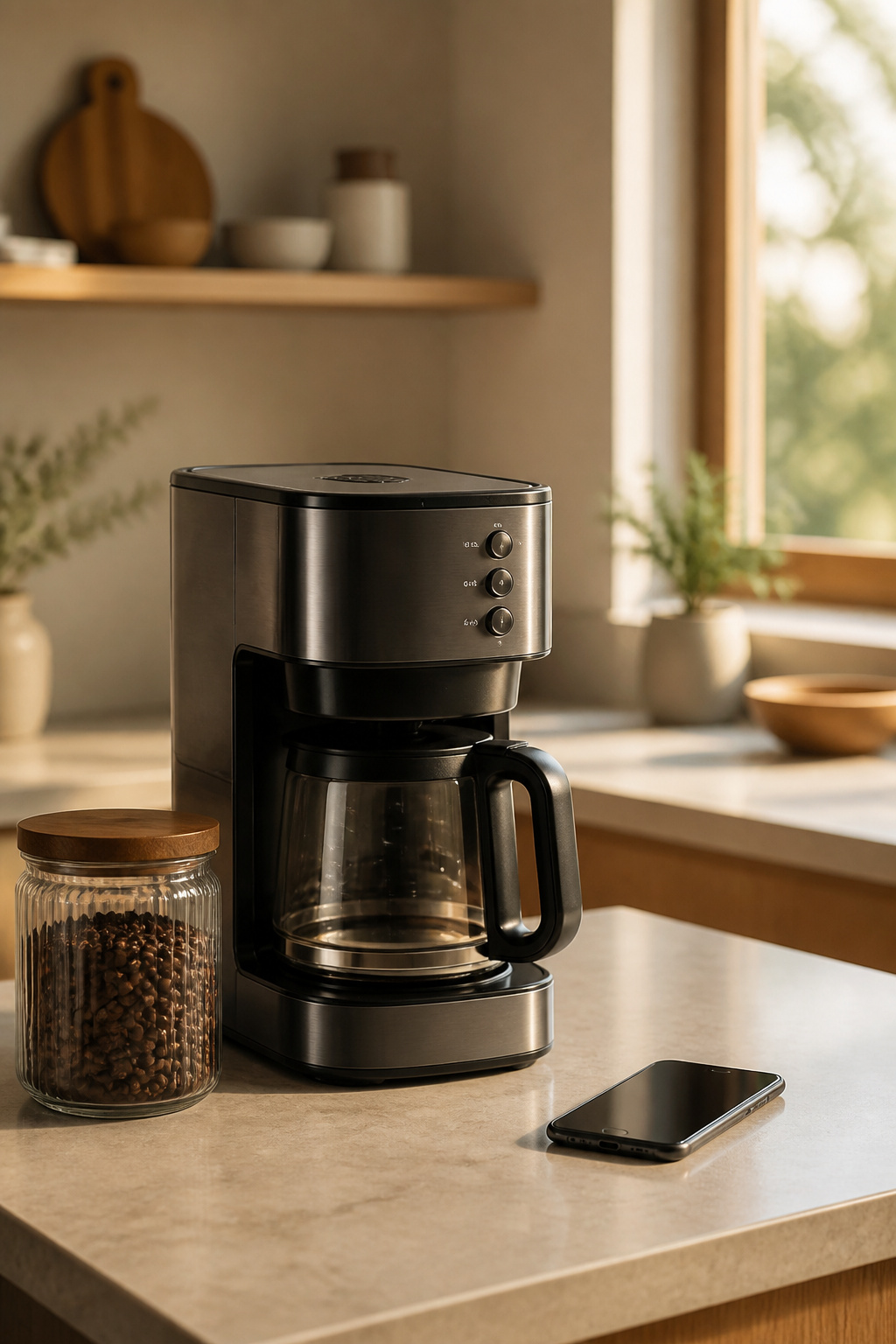
A $250 smart coffee maker like the Atomi can grind beans and start brewing from your phone or through a voice command to Google Assistant or Alexa. The app lets you set schedules, adjust strength, and check water levels. Scheduled brewing sounds ideal until your actual morning wake-up drifts by twenty or thirty minutes, which leaves coffee sitting on a hot plate or cooling in the carafe. The feature works best for households with a rigid routine, not for anyone whose alarm changes with the day. Voice commands hold up better in practice because they start the process when you are actually awake, not when you guessed you would be. The real convenience is skipping the counter setup while you are still half-asleep or handling something else. For the price, the voice-start option is the part you will use; the schedule is the part you will turn off within a month.
13. Smart Indoor Gardens
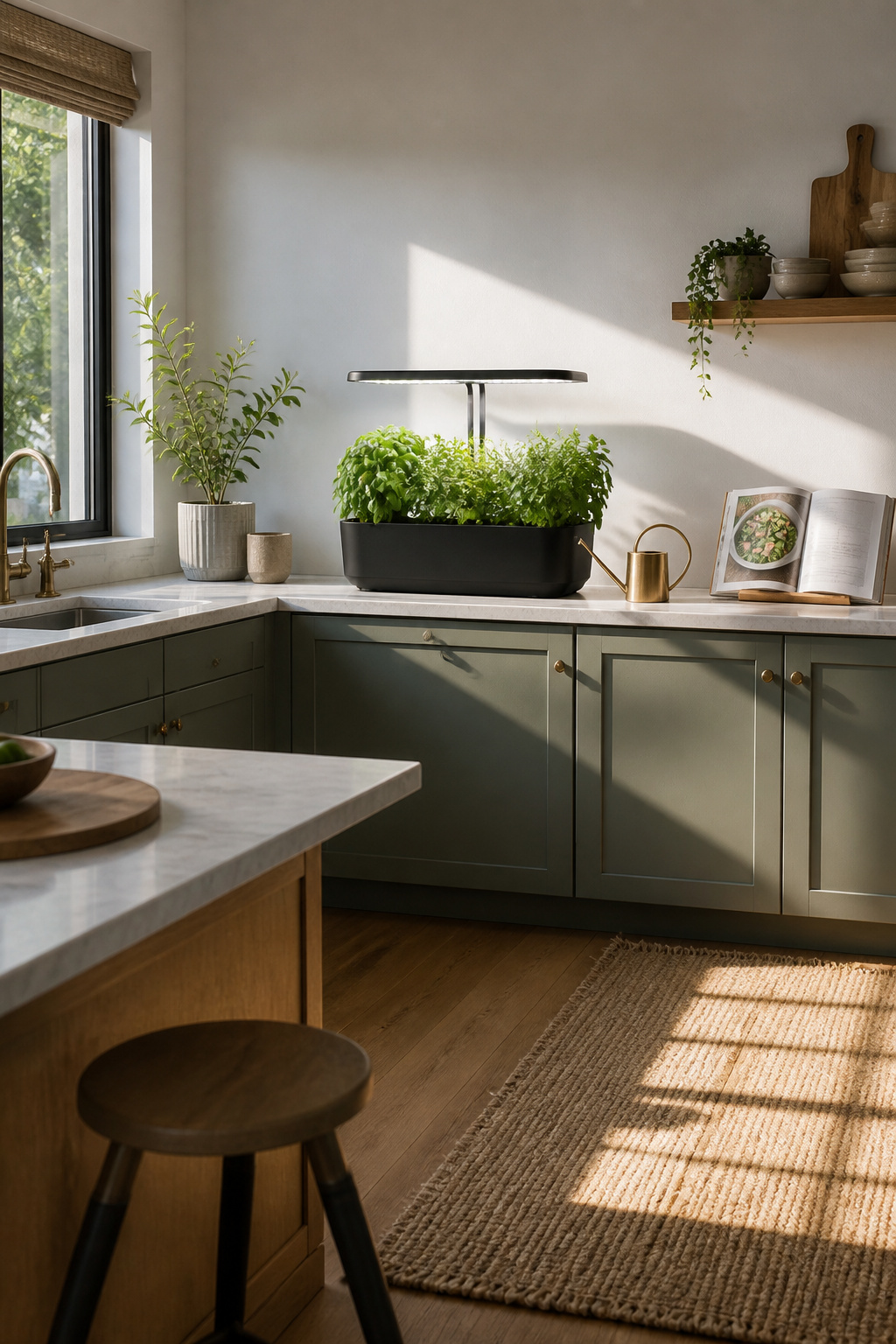
Countertop gardens like the AeroGarden Bounty run a 40-watt LED lamp and occupy roughly the same footprint as a large toaster oven. The unit connects to Alexa and phones in through an app for remote light adjustments, though the touchscreen on the device itself handles daily reminders for water and plant food. Noise registers low enough to fade into kitchen background hum, comparable to a small refrigerator.
For someone who cooks four or five nights a week, the output justifies itself. Fresh basil, cilantro, and leafy greens clip directly into the dish rather than wilting in a produce drawer. The $350 price stings less when it replaces three or four weekly herb purchases across a year. Occasional cooks face a harder case. The system wants consistent harvesting to keep plants productive; neglect it for two weeks and you are tending a light fixture with leggy, bitter leaves. Space and electricity only pay back under regular use.
A family cooking most nights gains a working ingredient station. A couple who entertains monthly might prefer the counter space for prep work and buy herbs as needed.
14. Smart Cleaning Devices
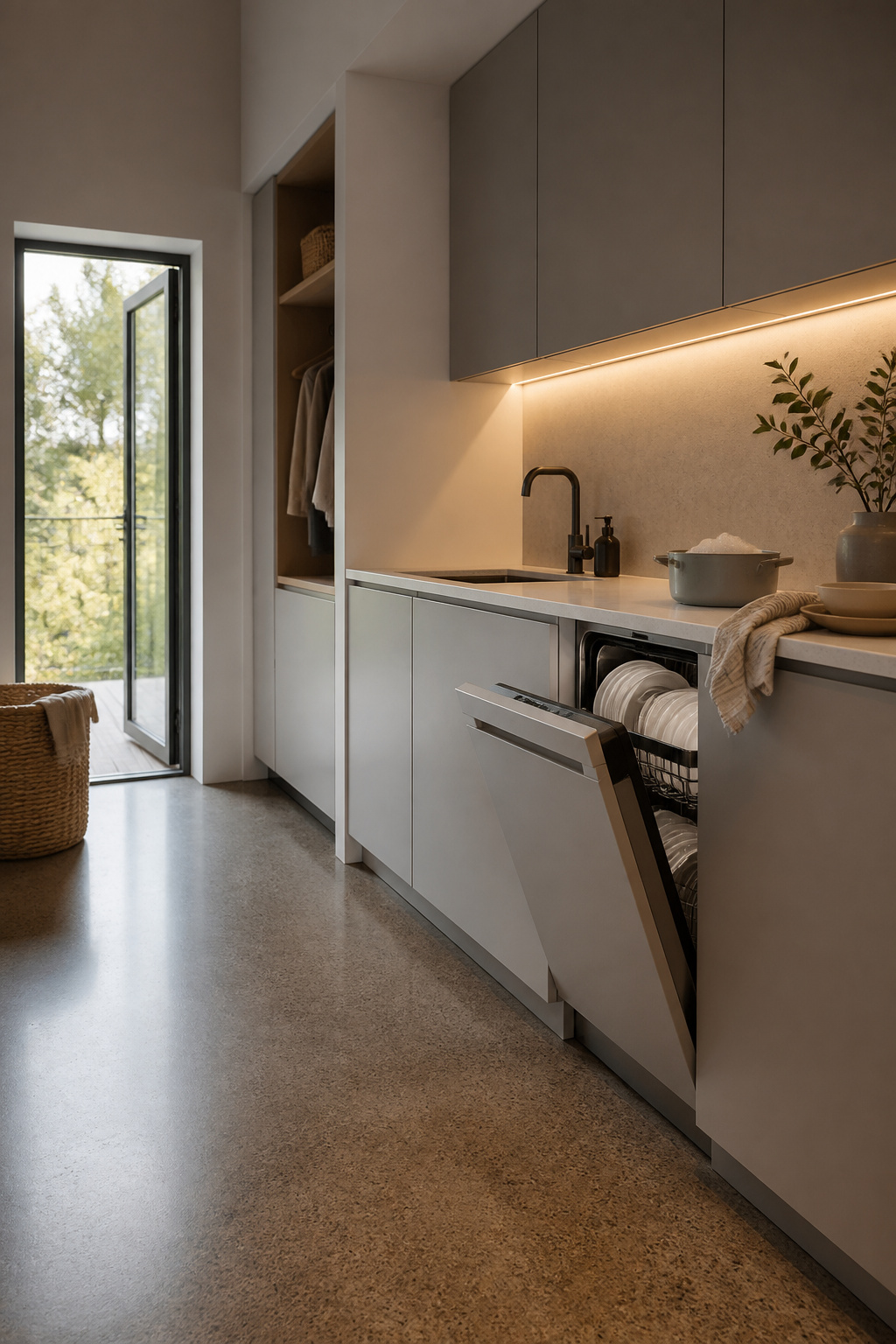
The Miele G7000 caught my attention because it does something most smart dishwashers skip: it weighs the load and meters detergent by the gram instead of dumping a fixed tablet. Load a few coffee cups and it sips from the reservoir; pack it after a dinner party and it scales up. The same logic is starting to appear in connected laundry pairs and even robotic mops that adjust solution strength to floor area, so the kitchen isn’t the only room where this matters.
The savings on soap alone will not offset the appliance premium. Detergent is cheap. What changes the math is pairing optimized dosing with shorter cycles and lower hot-water draws, which the G7000 also adjusts based on soil sensors. Over five to seven years of ownership, a household running four or five loads weekly might see the combined utility and supply reduction narrow the gap by roughly a third to half. That still leaves a meaningful upfront gap, so the purchase makes most sense if you are already replacing a failed unit or if you value the quiet load flexibility enough to pay for it directly.
15. Modular Smart Islands
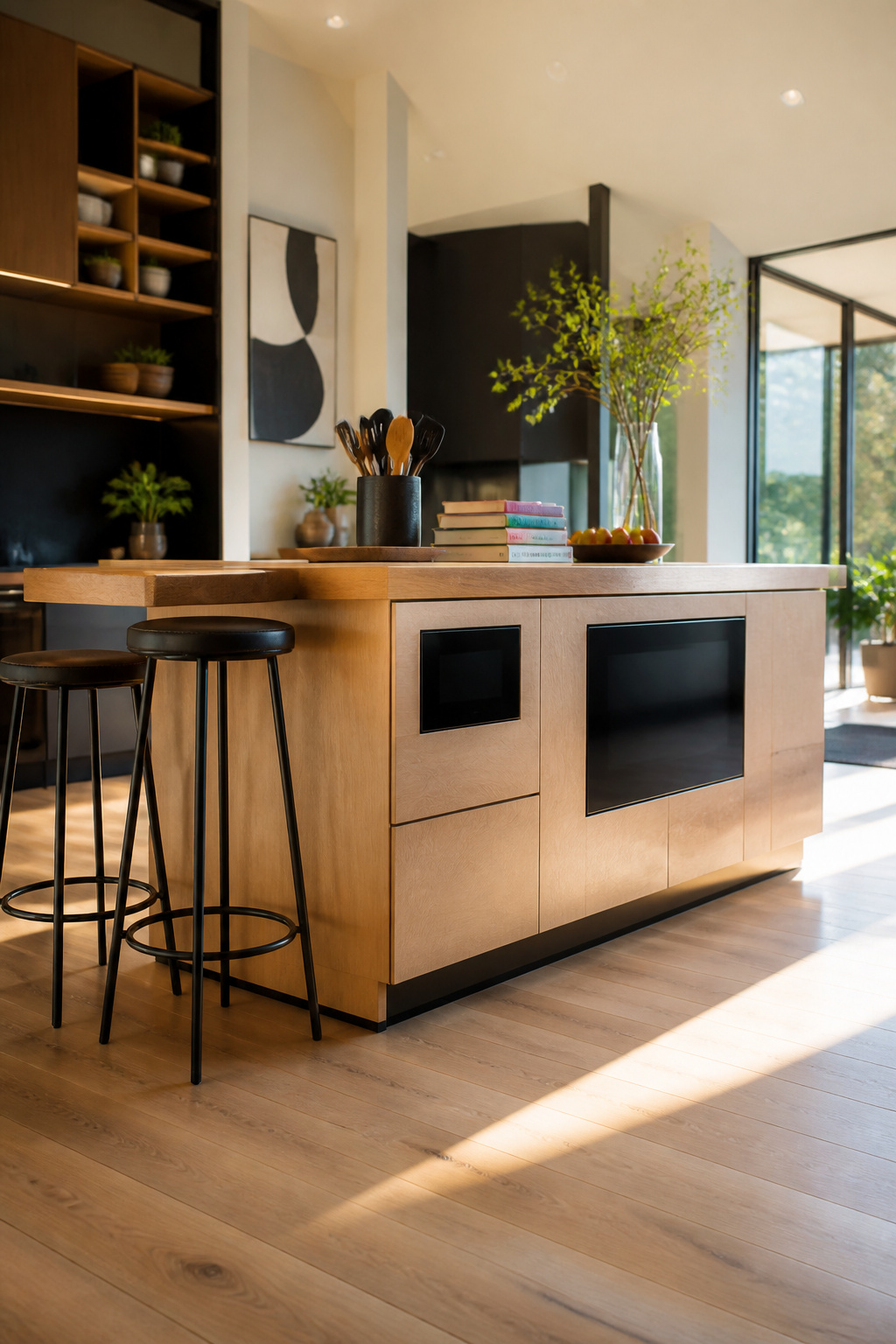
A kitchen island that stores, preps, and powers your devices sounds like the answer to every small-kitchen complaint. The reality depends on how much room you actually have to work with.
Most modular smart islands need at least 36 inches of clearance on all sides to meet standard code for safe walkway and cabinet swing. In a galley layout or a historic footprint like the Atlanta kitchen Eisenhart redesigned, that often means shrinking the island itself to 24 inches deep or skipping seated overhang entirely. The smart features themselves, flush-mounted screens and concealed charging stations, tend to integrate cleanly when they are panel-ready and built into custom cabinetry. What breaks the look is the cable management for powered appliance pullouts; those drawers need power routed through the base, and in a movable module that means a floor outlet or a visible cord channel.
"Built-in storage played a central role in that balance… They give the eye a place to land and offer room for everyday objects that add warmth without creating clutter."
What that means for a renter or first-home owner: vertical niches inside an island can replace upper cabinets you do not have room for, but only if you plan the power layout before the cabinetry goes in. Retrofitting charging drawers into a standard base cabinet usually leaves you with a power strip and a mess.
What Energy Efficiency Actually Saves
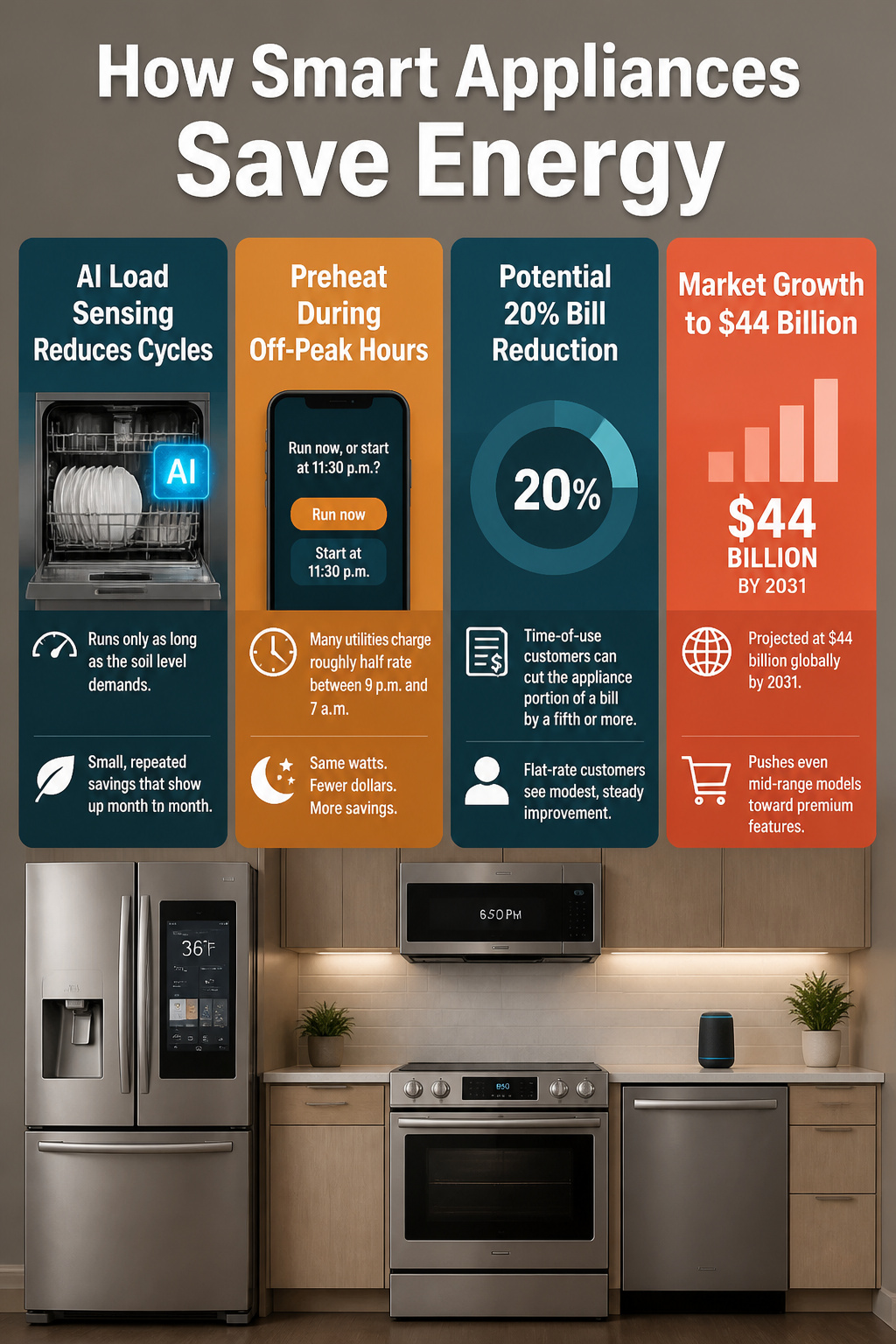
Smart appliances cut energy use in two ways: they automate the decision-making you would probably skip, and they shift heavy loads to hours when the grid is cheaper.
The automation side is what actually lands on the bill. A dishwasher with AI-powered load sensing runs only as long as the soil level demands, not the full factory cycle. An ENERGY STAR-certified refrigerator adjusts compressor speed instead of cycling on and off at full blast. These are small, repeated savings that show up month to month, not theoretical annual averages.
Off-peak scheduling is where the bigger drops happen. Many utilities charge roughly half rate between 9 p.m. and 7 a.m. A smart electric range that starts preheating at 6:50 p.m. as you leave the office, or a dishwasher set to run at midnight, draws the same watts for fewer dollars. What this looks like in practice is an app prompt when you start the cycle: "Run now, or start at 11:30 p.m.?" Pick the delay, and the work happens while you sleep.
Whether the reduction is visible depends on your utility’s time-of-use plan. Flat-rate customers see modest, steady improvement. Time-of-use customers can cut the appliance portion of a bill by a fifth or more if they actually schedule around the peaks rather than accepting the default now.
The market for this is growing fast: projected at $44 billion globally by 2031. That scale matters because it pushes even mid-range models toward the features that were premium two years ago. A $1,250 GE Profile range with app-controlled preheating sits in the same bracket as conventional upscale electric models now, so the scheduling feature is less an add-on than the new baseline.
Time Savings That Hold Up
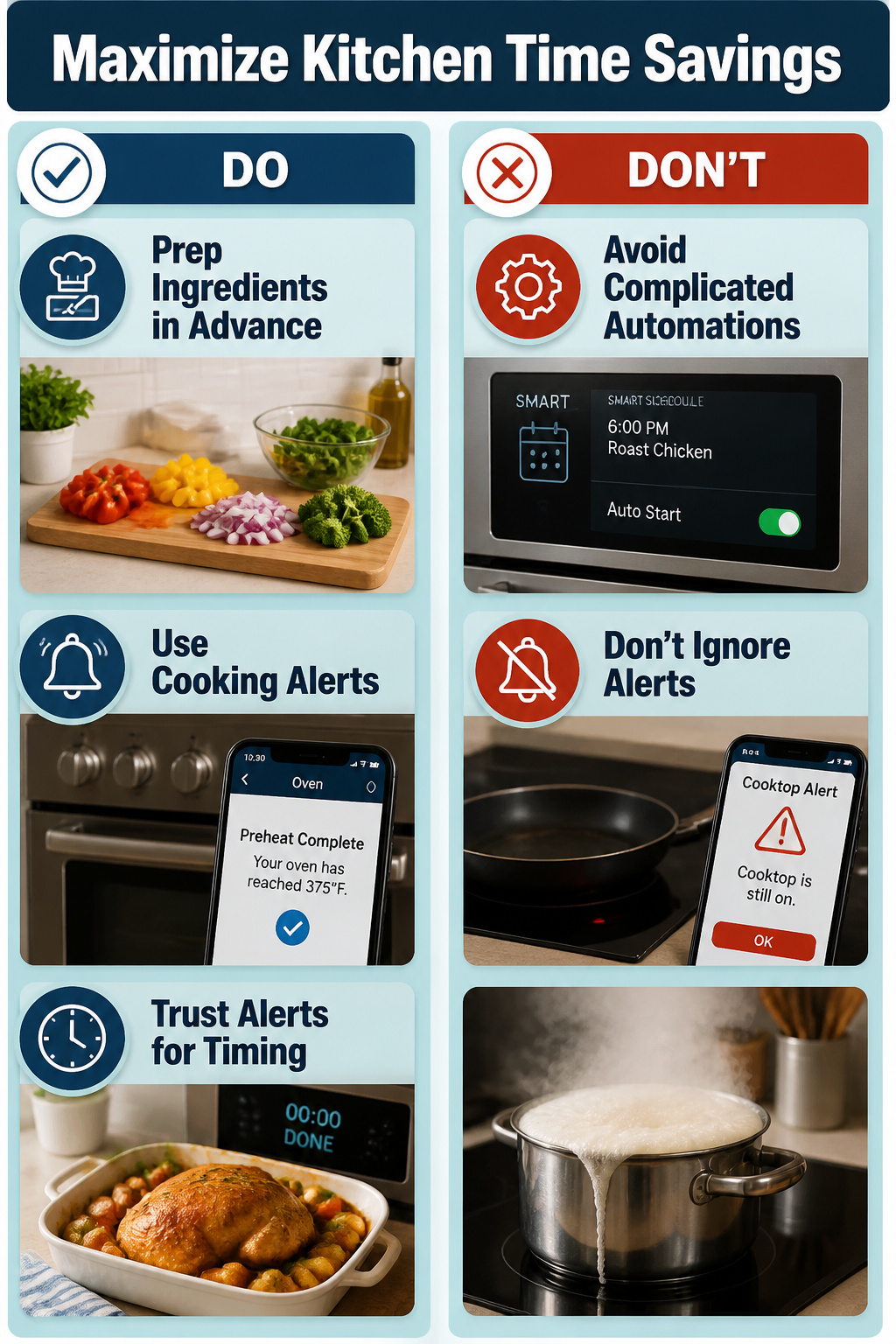
Remote preheating sounds like the win until you count the taps. The GE Profile electric range at $1,250 will fire up from your phone, and on paper that shaves ten minutes off dinner. What I noticed reading through the setups is that the payoff only holds when the rest of the chain cooperates: the pan already inside, the food prepped, your arrival time predictable to within a few minutes. Shift any of that and you’re either reheating a cold oven or rushing home to a finished meal going slack.
Cooking alerts land differently. An oven that texts when preheat hits, or a cooktop that flags it is still on, does not ask you to manage it back. It interrupts your distraction once, then exits your head. That rhythm is where the real time savings collect: the mental load drops, not just the clock.
The proactive stuff, like ovens reading your calendar, sits in a trickier spot. The promise is a kitchen that anticipates, but the maintenance is learning its logic and correcting its guesses. For a few hundred dollars in smart features, the habit that sticks is the passive alert; the habit that breaks is the one that needs you to babysit the automation itself.
Safety Features Worth Having
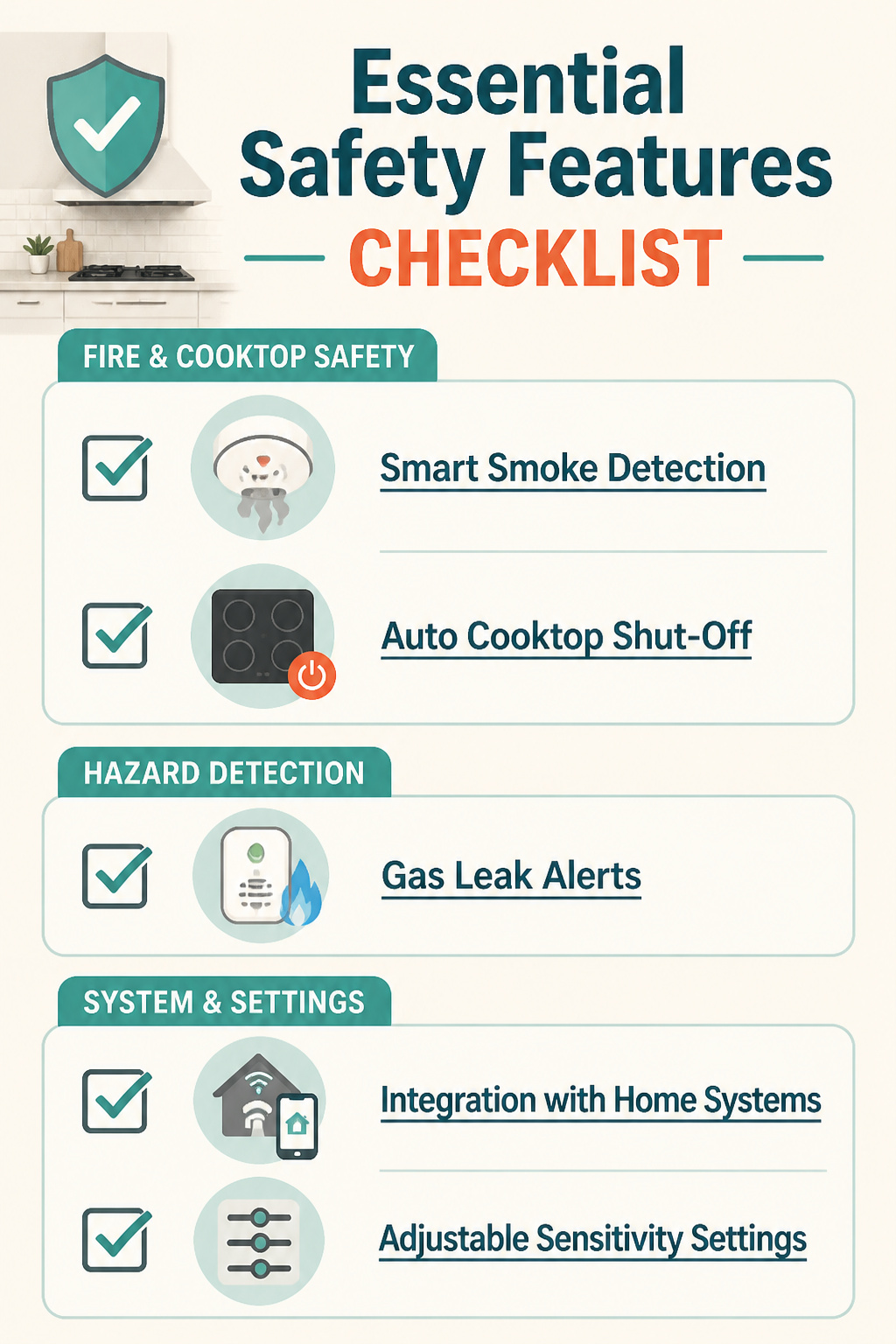
Smoke detection tied to a range hood that boosts its own ventilation when it senses trouble, or a cooktop that powers down when you step away, shifts kitchen safety from reactive to automatic. These features send alerts to your phone and can trigger shut-offs before a burner left on becomes a real problem. The same sensors flag gas leaks early, though the technology only works as well as your willingness to trust it. False alarms are the sticking point: a detector that cries wolf over seared steak or a slightly smoky oven trains busy cooks to ignore it, or worse, to disable the alert. Integration with existing home systems helps, since a unified app gives you the full picture instead of siloed notifications you might dismiss. If the alert rate feels high, check placement and sensitivity settings before abandoning the feature entirely; most units allow adjustment, and a few minutes of tuning beats a kitchen full of smoke or a system you no longer use.
Keeping Devices Compatible
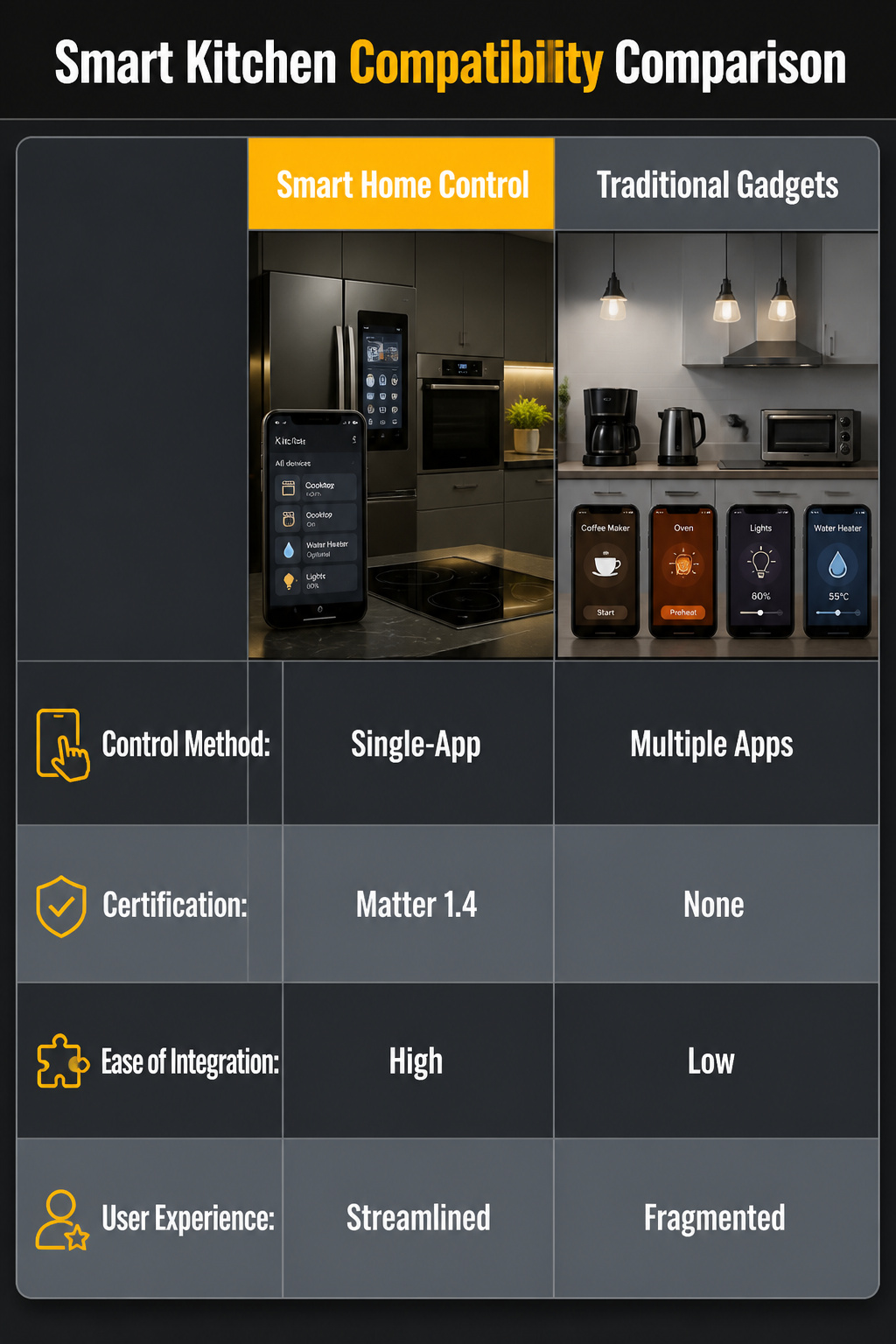
A smart kitchen stops being smart the moment you open four different apps to make coffee, preheat the oven, and dim the lights for dinner. Single-app control is the detail that separates a system from a pile of gadgets. Matter 1.4 certification is the current standard that lets ovens, cooktops, water heaters, and lighting from different brands share data under one platform. Without it, you are left managing separate logins and interfaces that turn convenience into a part-time job.
Checking compatibility before purchase sounds obvious, but the information is scattered. Retail listings rarely flag which ecosystem an appliance belongs to, and side-by-side brand comparisons are hard to find. My own research turned up the spec only after digging through manufacturer footnotes. The fix is to search the model number plus "Matter 1.4" or your chosen platform name before you buy, and to pass on anything that locks you into a proprietary app with no bridge out.
Frequently Asked Questions
What is a smart kitchen?
A smart kitchen is one where appliances, fixtures, and systems connect to the internet and to each other, letting you control them remotely, through voice commands, or via smartphone apps. The devices communicate in real time and can learn your habits to work more efficiently. Most smart kitchen appliances automate tasks, monitor processes, and offer guidance on recipes or cooking steps.
How can I make my kitchen smart without a major renovation?
Swap in smart bulbs for adjustable lighting, add plug-in motion sensors, and replace standalone appliances with connected versions like a smart coffee maker or countertop induction burner. These upgrades need no electrical work or permanent installation. For renters specifically, smart bulbs in existing fixtures and plug-in devices sidestep wiring and lease restrictions entirely.
Is a high-tech kitchen worth the investment?
Smart kitchens save time, cut daily mental load, and can reduce energy costs through automated efficiency and off-peak scheduling. The payoff depends on which features you will actually use daily rather than admire once and ignore. A voice-started coffee maker or a dishwasher that runs at midnight on cheaper rates earns its keep; a touchscreen that goes dark after week two does not.